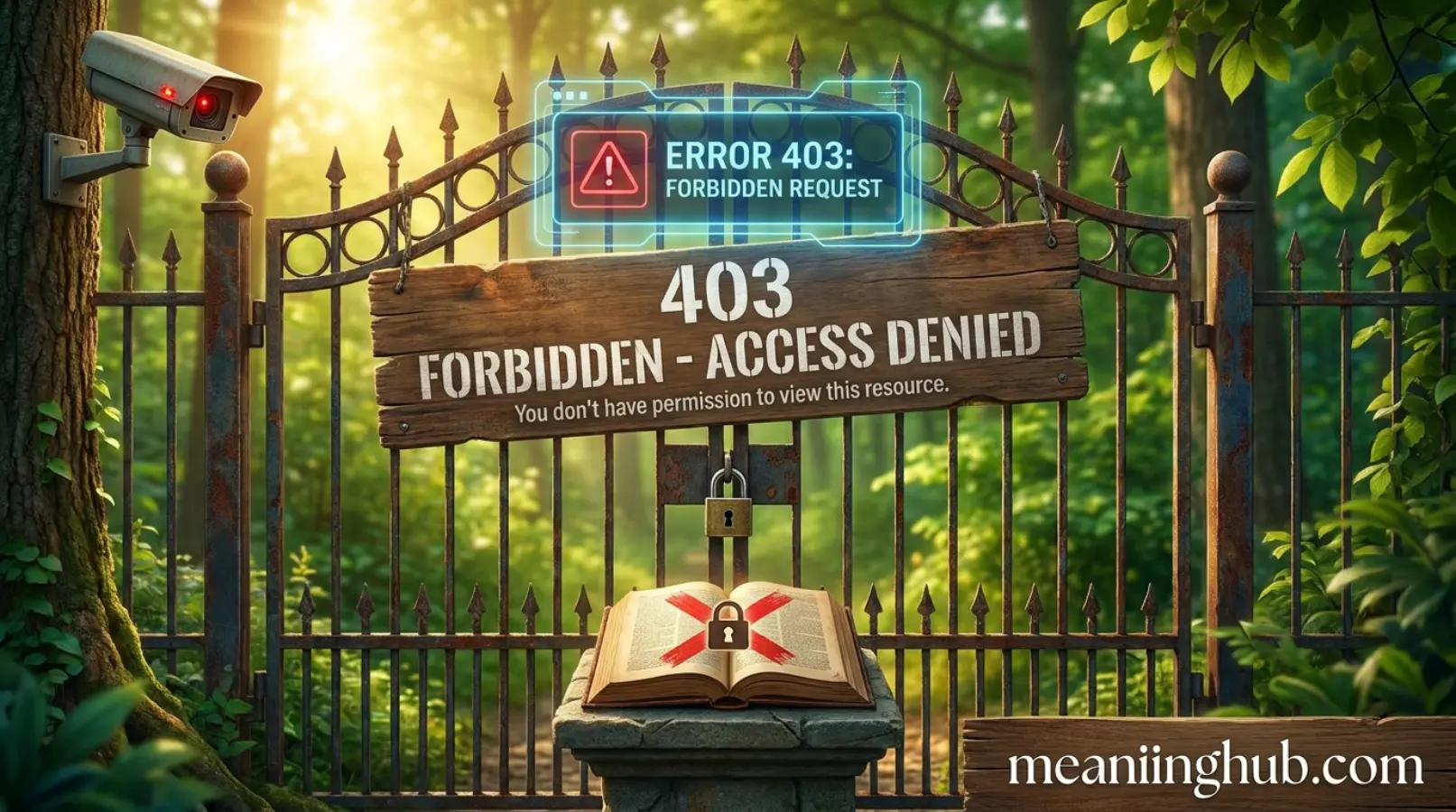
403 Forbidden Meaning is one of the most common topics people search when they suddenly see a “403 Forbidden” message while trying to open a website. It can be confusing because the page exists, but the server refuses to let you access it. Many users think the website is broken, while others assume their internet connection is the problem. In reality, a 403 Forbidden error usually points to a permissions issue rather than a missing webpage.
Understanding this error can save time and reduce frustration. If you are a website visitor, developer, or website owner, knowing what causes a 403 Forbidden error and how to solve it can help you get back online quickly.
Quick Answer:
A 403 Forbidden error means the web server understands your request but refuses to allow access because you do not have permission to view the requested page or resource.
What Does 403 Forbidden Mean?
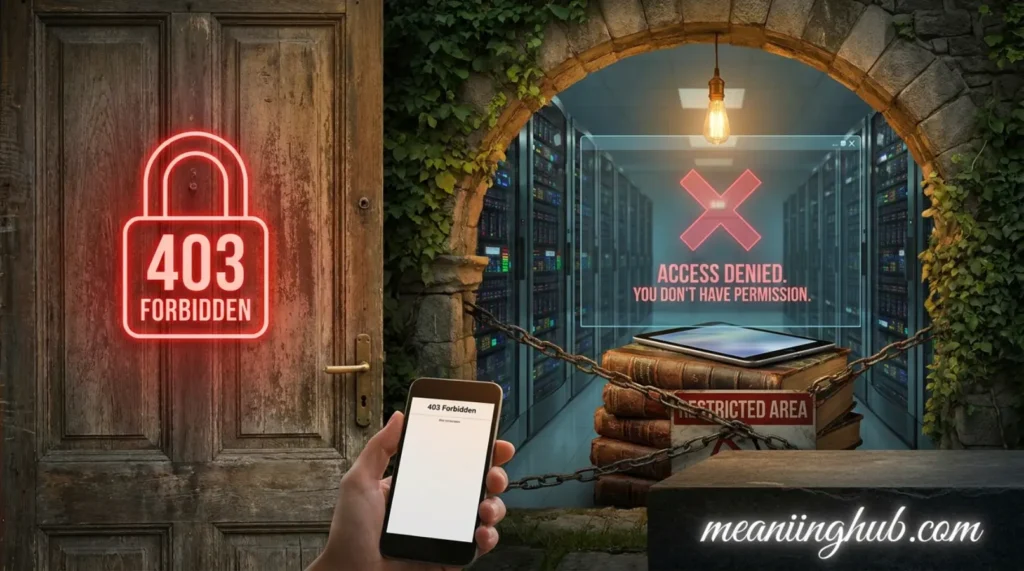
A 403 Forbidden error is an HTTP status code that tells you the server received your request correctly but will not grant access to the requested page.
Unlike a 404 error, which means the page cannot be found, a 403 error means the page or file exists. The server simply blocks you from viewing it.
You might see messages like:
- 403 Forbidden
- HTTP Error 403
- Error 403
- Access Forbidden
- Forbidden: You don’t have permission to access this resource
Although the wording changes, the meaning stays the same.
403 Forbidden Full Form
There is no official “full form” of 403 because it is an HTTP status code.
Here is what it represents:
| Term | Meaning |
|---|---|
| 403 | HTTP Status Code indicating access is forbidden |
| Forbidden | The server refuses to authorize the request |
So if someone searches for 403 Forbidden full form, they are usually looking for the meaning of the HTTP error code.
What Does 403 Forbidden Stand For?
The phrase 403 Forbidden stands for an access restriction.
In simple words:
- Your request reached the website.
- The website understood your request.
- The website intentionally denied access.
The restriction may be temporary or permanent depending on the website’s settings.
Why Does a 403 Forbidden Error Happen?
Several reasons can trigger this error.
Incorrect File Permissions
Website owners assign permissions to files and folders. If these permissions are incorrect, visitors cannot access certain pages.
Blocked IP Address
Some websites block visitors from specific IP addresses for security reasons.
Missing Authentication
A website may require you to log in before viewing protected content.
Disabled Directory Browsing
Many servers prevent visitors from viewing folder contents directly.
Security Rules
Firewalls or security plugins may mistakenly block legitimate visitors.
Geographic Restrictions
Some websites allow access only from selected countries.
Corrupted .htaccess File
For websites using Apache servers, a damaged .htaccess file can create a 403 Forbidden error.
Is 403 Forbidden an Error or a Warning?
It is an HTTP client error response.
However, it does not always mean the user did something wrong.
Sometimes:
- The website configuration is incorrect.
- Server permissions are misconfigured.
- Security software blocks valid visitors.
So the problem may exist on the website instead of your device.
Is 403 Forbidden Dangerous?
Usually, no.
A 403 Forbidden error does not indicate:
- A virus
- Malware
- A hacked computer
It simply means access is denied.
Still, if a trusted website suddenly shows this error for every page, the website owner should investigate server settings.
Where Is 403 Forbidden Commonly Used?
You can encounter this error almost anywhere online.
Common examples include:
- Business websites
- Online stores
- Blogs
- Government portals
- Educational websites
- Cloud storage services
- Admin dashboards
- API services
Developers also see this error while testing websites and applications.
Real Life Examples
Example 1
You try opening:
example.com/private-files
The website returns:
403 Forbidden
Reason: The folder is private.
Example 2
You visit a company’s employee portal without logging in.
Result:
403 Forbidden
Reason: Login is required.
Example 3
A website blocks traffic from your country.
Result:
403 Forbidden
Reason: Geographic restrictions.
Example 4
A firewall detects unusual activity from your IP address.
Result:
403 Forbidden
Reason: Security protection.
403 Forbidden Meaning in Different Situations
For Website Visitors
It means you cannot access the requested content.
Try:
- Refreshing the page
- Logging into your account
- Clearing browser cache
- Checking the website URL
- Contacting the website owner
For Website Owners
It usually means:
- Incorrect permissions
- Server configuration issues
- Security plugin restrictions
- Hosting settings
- Firewall blocks
Checking server logs often helps identify the exact cause.
Difference Between 403 and Similar HTTP Errors
| Error Code | Meaning | Main Cause |
|---|---|---|
| 401 Unauthorized | Authentication required | Login needed |
| 403 Forbidden | Access denied | Permission blocked |
| 404 Not Found | Page missing | Resource does not exist |
| 500 Internal Server Error | Server problem | Website malfunction |
| 503 Service Unavailable | Server temporarily unavailable | Maintenance or overload |
The biggest difference is that 403 means the page exists but you are not allowed to access it.
How to Fix a 403 Forbidden Error
For Visitors
You can try several simple solutions.
Refresh the Page
Temporary issues sometimes disappear after reloading.
Double Check the URL
A typing mistake may lead to a restricted directory.
Clear Browser Cache
Old cached files can sometimes create access issues.
Clear Cookies
Expired login information may prevent access.
Log In
Some pages require authentication.
Try Another Network
Your IP address may be blocked.
Contact the Website
If nothing works, ask the website administrator for assistance.
How Website Owners Can Fix It
Website administrators have additional troubleshooting options.
Review File Permissions
Ensure files and folders have proper permissions.
Check the .htaccess File
Rename or restore the file if it has become corrupted.
Disable Security Plugins
A firewall plugin may incorrectly block visitors.
Review Server Logs
Logs often reveal the exact reason for the restriction.
Verify Hosting Configuration
Incorrect server settings can generate 403 errors.
Remove IP Blocks
If legitimate users are blocked, update firewall rules.
Why People Search for 403 Forbidden Meaning
People usually search this phrase because they suddenly encounter the error while browsing.
Common reasons include:
- A website stopped working
- An online payment page is inaccessible
- Login fails
- A download link refuses access
- A developer encounters an API permission error
Understanding the meaning helps users decide whether the issue is on their side or the website’s side.
Is 403 Forbidden Related to Hacking?
Not usually.
A 403 error is a normal security response.
However, websites may intentionally display it when they detect:
- Too many requests
- Suspicious traffic
- Automated bots
- Unauthorized scanning attempts
That does not automatically mean someone has hacked the website.
Is It Safe for Social Media?
Yes.
People sometimes share screenshots of a 403 Forbidden error when asking for technical help.
The error itself contains no harmful code.
Still, avoid sharing screenshots that expose:
- Personal account information
- API keys
- Private URLs
- Login credentials
Common Myths About 403 Forbidden
Myth 1
The website is deleted.
Reality: The page usually still exists.
Myth 2
My internet is broken.
Reality: Your internet connection may work perfectly.
Myth 3
My computer has a virus.
Reality: A 403 error rarely indicates malware.
Myth 4
Refreshing always fixes it.
Reality: Permission issues often require administrator action.
Comparison with Similar HTTP Errors
| HTTP Error | What It Means | User Action |
|---|---|---|
| 401 Unauthorized | Authentication required | Log in |
| 403 Forbidden | Permission denied | Request access or contact the website |
| 404 Not Found | Page missing | Check the URL |
| 500 Internal Server Error | Server malfunction | Wait or contact support |
| 503 Service Unavailable | Server unavailable | Try again later |
Real Life Usage Examples
Friendly
“I tried opening your shared folder, but I got a 403 Forbidden error.”
Casual
“This website keeps showing 403 Forbidden instead of the page.”
Workplace
“Our employees cannot access the dashboard because the server returns a 403 Forbidden response.”
Developer
“The API request failed with a 403 status because the authentication token lacks permission.”
Gaming
“I couldn’t join the server because it returned a 403 Forbidden message.”
Social Media
“I keep getting a 403 Forbidden error. Is the website down for everyone?”
Tips to Prevent 403 Forbidden Errors
For users:
- Use the correct website address.
- Stay logged into your account.
- Avoid suspicious browser extensions.
- Follow website access rules.
For website owners:
- Set proper file permissions.
- Keep security plugins updated.
- Monitor server logs regularly.
- Test website permissions after updates.
FAQs
What does 403 Forbidden mean?
It means the server understands your request but refuses to give you access to the requested page or resource.
Is 403 Forbidden the same as 404?
No. A 404 error means the page cannot be found, while a 403 error means the page exists but access is denied.
Can I fix a 403 Forbidden error myself?
Sometimes. Refreshing the page, logging in, clearing your browser cache, or checking the URL may solve it. If the problem is on the server, only the website owner can fix it.
Is 403 Forbidden a virus?
No. It is a standard HTTP status code and is not caused by malware.
Why do I only get a 403 error on one website?
That website may have blocked your IP address, restricted access, or require authentication.
Does 403 Forbidden mean I am banned?
Not always. It simply means access is denied. The restriction could be due to permissions, security settings, or temporary server rules.
Conclusion
403 Forbidden Meaning is simple once you understand how HTTP status codes work. The error tells you that the server received your request but refuses to allow access because of permission or security restrictions. In most cases, it does not indicate a problem with your computer or internet connection.
If you encounter a 403 Forbidden error, start with basic troubleshooting such as checking the URL, logging in, clearing your browser cache, or refreshing the page. If the issue continues, the website owner may need to adjust server permissions or security settings. Knowing the difference between a 403, 401, and 404 error makes it much easier to understand what went wrong and choose the right solution.

Alexander Ford is a passionate writer who specializes in modern text slang, internet culture, and digital communication trends. He is known for his simple, engaging, and reader-friendly writing style that makes online language easy to understand. With a love for research and creativity, Alexander enjoys helping readers stay updated with the latest social media expressions and texting terms.